Test across scenarios
Pair a goal with user data, such as order numbers and account details, for every situation worth rehearsing.
Test across scenarios: Docs (opens in new tab)Simulation
Trusted by teams shipping agents in production
What is Simulation?
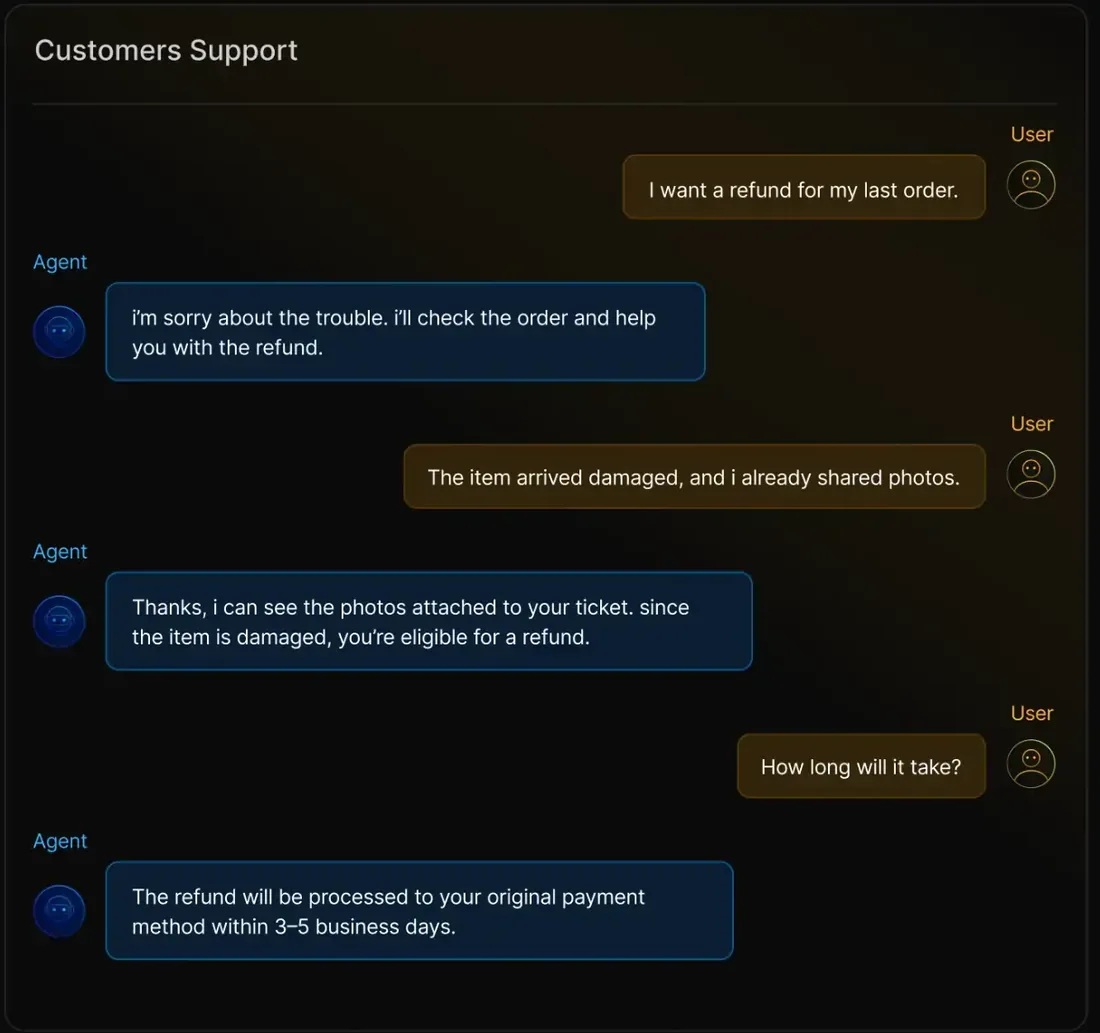
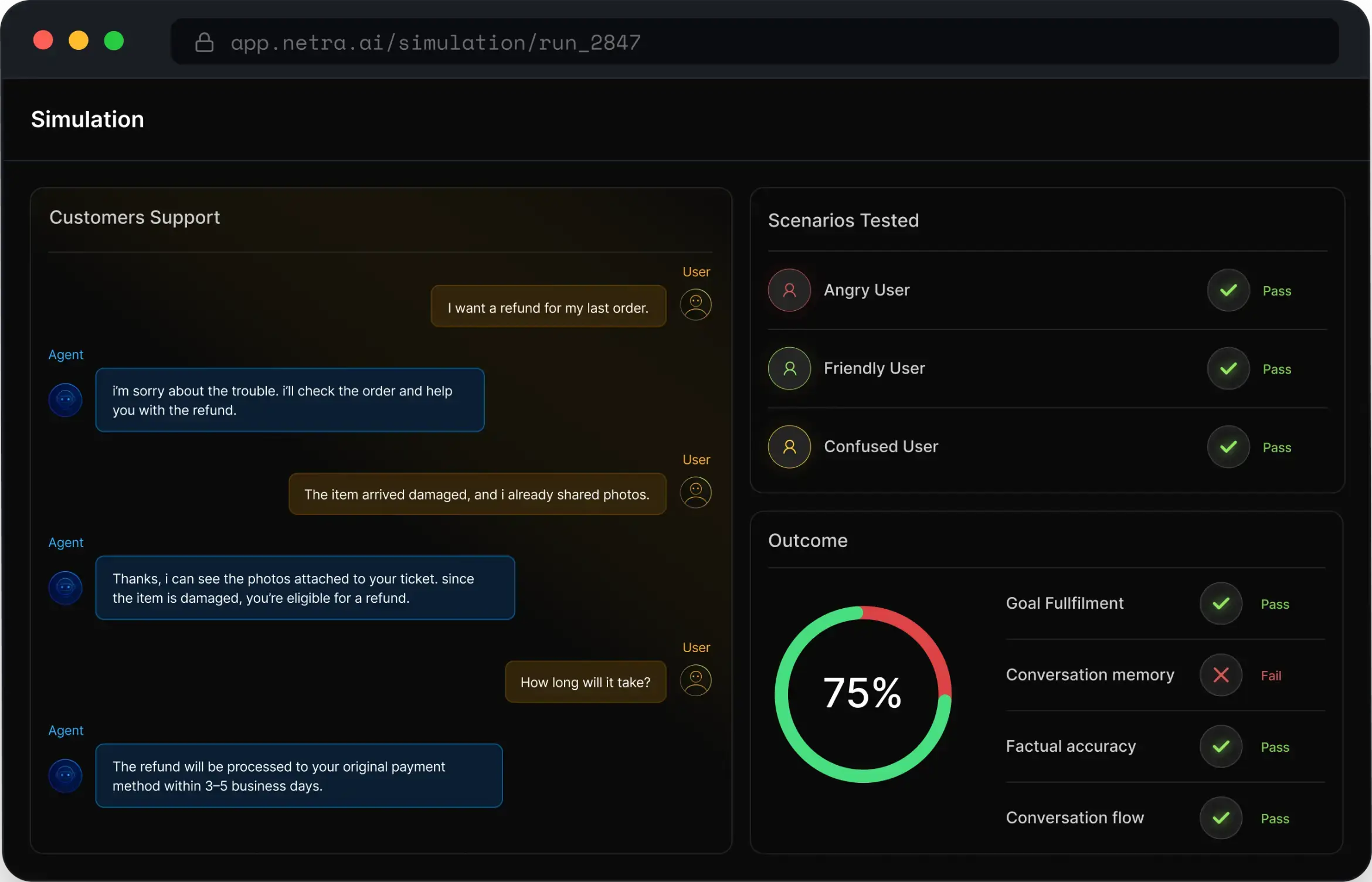
Rehearse whole conversations before customers have them. A simulated user, with a goal, a persona and the facts your agent must state, holds a multi-turn conversation with your agent. Evaluators score every run and keep the transcript, so you can see exactly where it went wrong.
Give every simulated user a goal, a temperament, the details a real customer would have to hand, and the facts your agent must get right.
Pair a goal with user data, such as order numbers and account details, for every situation worth rehearsing.
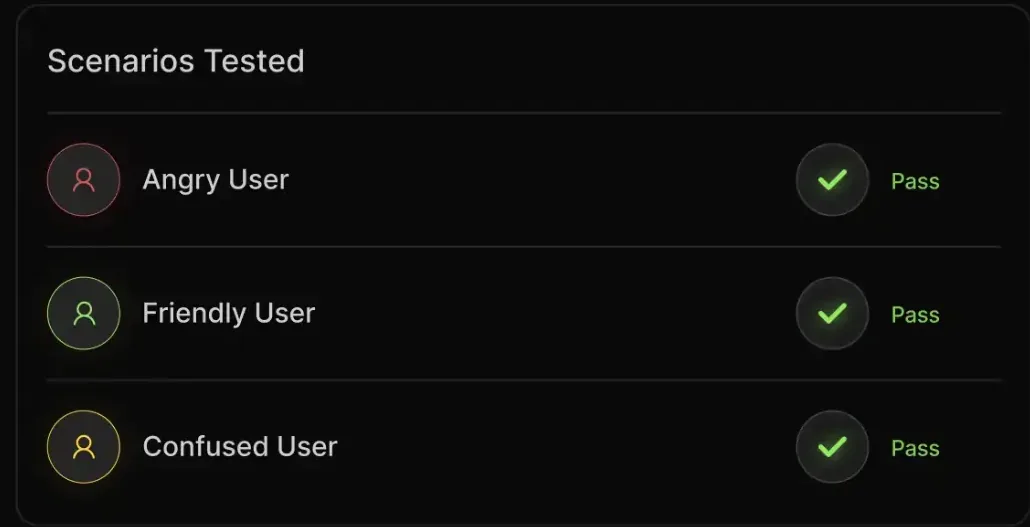
Test across scenarios: Docs (opens in new tab)Neutral, friendly, frustrated, confused or a custom persona, so de-escalation and clarity get tested.
Test across personas: Docs (opens in new tab)Describe your agent and let Netra draft the scenarios, goals and personas to start from.
Create scenarios using AI: Docs (opens in new tab)List the facts a conversation must convey, and every run is scored on whether the agent got them right.
Check the agent says what the policy says: Docs (opens in new tab)Single-turn tests pass agents that lose the thread. Simulated users hold whole conversations, so memory, flow and resolution get tested the way customers use them.
Whole conversations with text and voice agents, scored on memory, flow and resolution.
Run multi-turn evals for text and voice: Docs (opens in new tab)Wrap your agent in the BaseTask interface and the simulator drives it turn by turn, with session continuity.
Run against your agent endpoint: Docs (opens in new tab)Trigger simulation runs from the Python or TypeScript SDK, so conversations are rehearsed on every build.
Run in your CI/CD pipeline: Docs (opens in new tab)Cap the turns per scenario: about five for support, six to eight for technical troubleshooting.
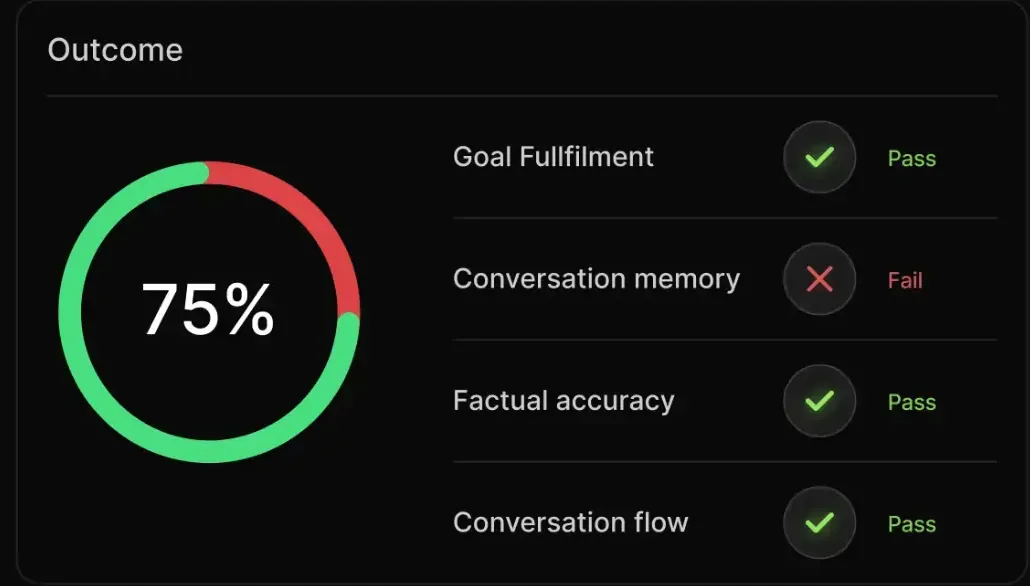
Set how long a conversation runs: Docs (opens in new tab)Seven predefined evaluators cover conversation quality and agentic behaviour, each scored from 0 to 1. Add your own for rules only your team knows.
Five for quality and two agentic, all LLM-as-Judge. A score of 0.6 or higher passes.
Use a set of predefined evaluators: Docs (opens in new tab)Add your own evaluators next to the library when a conversation has rules only your team knows.
Bring evaluators of your choice: Docs (opens in new tab)Every scenario has a goal the simulated user is pursuing, so a run ends in a verdict rather than a transcript to read.
Know whether the goal was reached: Docs (opens in new tab)See which turn dropped the score, and how the whole conversation did.
Get scores per turn and per run: Docs (opens in new tab)Every run keeps the conversation, the turn-level scores and the traces behind them, so a failed simulation opens on the turn that failed.
The full transcript on one tab and every evaluator's result on another.
See the detailed conversation view and eval results: Docs (opens in new tab)Follow a low score down to the spans that produced that reply.
Open the trace behind any turn: Docs (opens in new tab)A third tab shows the goal, persona, data and fact checks the run actually used.
Confirm the scenario as configured: Docs (opens in new tab)Scenarios executed, pass and fail rates, and average cost and latency across all runs.
Review every run at a glance: Docs (opens in new tab)Drive any agent through BaseTask from Python or TypeScript, whatever framework it runs on, including voice pipelines.
Wrap your agent once and run simulations from code or your pipeline.
Docs (opens in new tab)Voice agents built on LiveKit or Vapi, with speech from Deepgram, ElevenLabs or Cartesia, land in the same traces.
Docs (opens in new tab)Cookbook
Cookbook · Simulation
Multi-turn scenarios with goals, personas and fact checks, run against a real support agent — catching the incomplete resolutions single-turn tests miss.
Open the cookbook (opens in new tab)What you'll build
Can't find the answer here? The Simulation docs go deeper, or talk to our team.
A way to test agents with realistic multi-turn conversations. You define a goal, a user persona and the facts the agent should communicate, and a simulated user holds the conversation while evaluators score it.
Neutral, Friendly, Frustrated, Confused and Custom — from a baseline user to one designed to test de-escalation or clarity, or one you describe yourself.
Seven LLM-as-Judge evaluators — five for quality and two agentic — score each conversation between 0 and 1. A score of 0.6 or higher passes.
Around five turns suits most support conversations; technical troubleshooting usually needs six to eight.
Open the scenario under Simulation → Test Runs and use its three tabs: Conversation for the transcript, Evaluation Results for the scores, and Scenario Details to confirm it was configured the way you intended.
Evaluation scores single request-and-response test cases. Simulation scores whole conversations, where the agent has to remember context, handle a persona and reach a goal over several turns.
Start today
Write a scenario, pick a persona, and read the transcript before anyone real has the conversation. Free to start.